
System Login
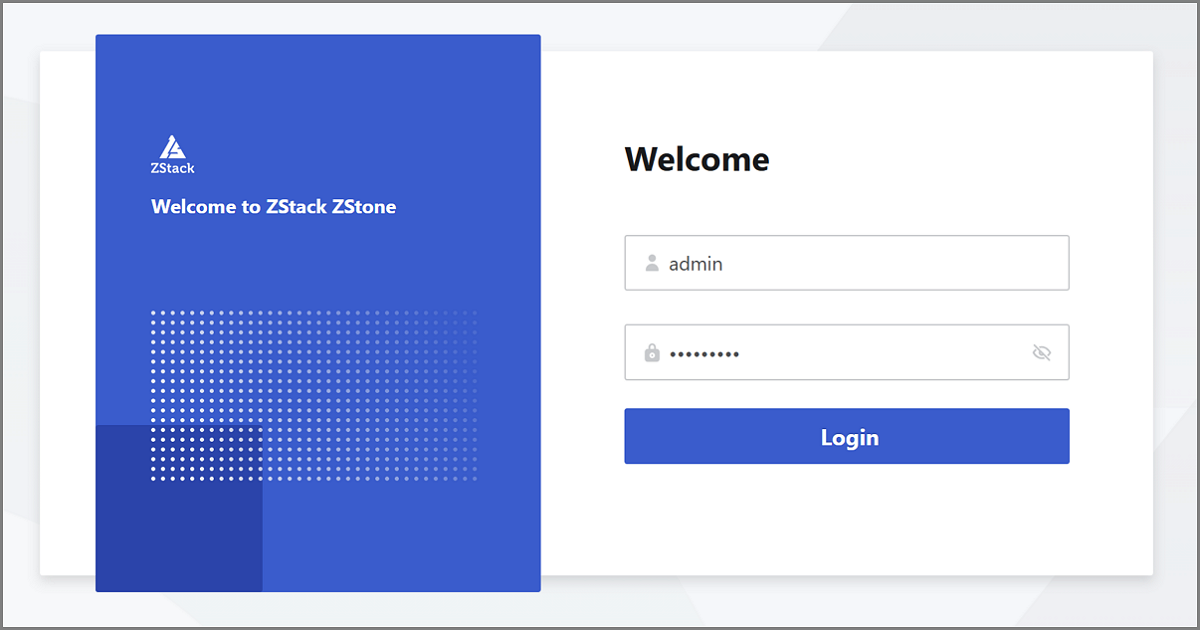
After ZStack ZStone-related services have successfully started, you can use your browser to navigate to the ZStack ZStone UI by entering the provided URL.
Login Method
ZStack ZStone supports accessing the UI management interface
via HTTP protocol. You can open the UI management interface by visiting the
management node IP address on port 4000 in your browser, and then log in to the
platform by entering your user name and password. For example:
http://management_node_ip:4000. Note:
Note:
Note:
- We recommend using Chrome version 49 or later with a minimum resolution of 1280*900 px to get the best user experience.
- If the page does not load properly, ensure that both the management service and the UI service are running correctly.
- If your current session has been active for over two hours, the system will prompt you about the session timeout and automatically log you out. You will need to log in again.
Admin Center
The Admin Center of ZStack ZStone provides the following functions:
- User Profile: Provides the personal information of the logged-in user, including user name and user type.
- Platform Time: Provides the current platform time. The system will issue a reminder if the platform time is not synchronized with the browser time.
- Change Password: Allows you to update the login password. The updated password will take effect at the next login.
- Switch Language: Allows you to switch the UI language, currently supporting Simplified Chinese/English.
- License Management: Allows you to view and configure the license for the current distributed storage platform.
- Logout: End the current user session.